Watch how the app identifies wall planes and keeps paint away from mapped windows and doors.
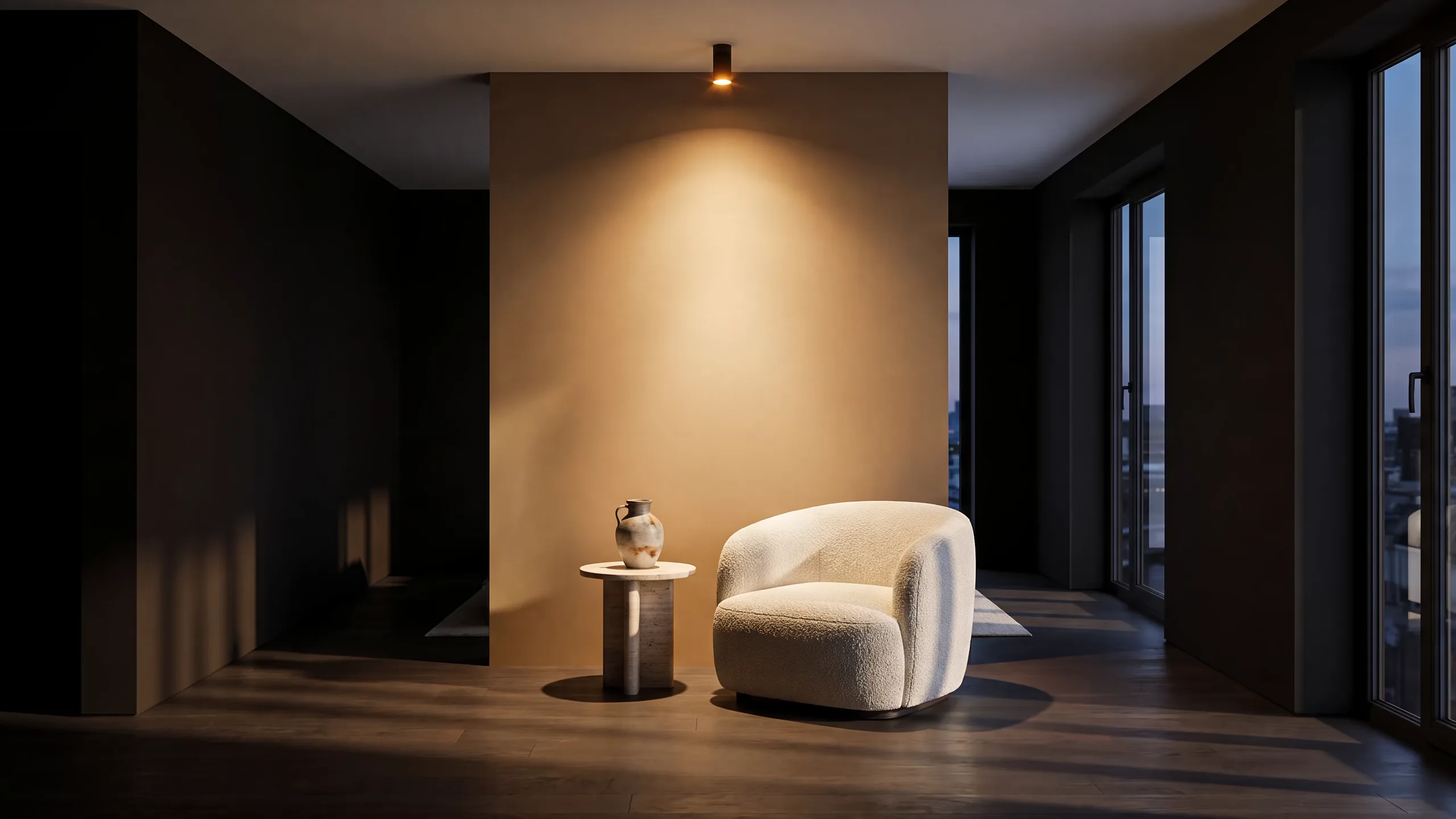
Independent iPhone app · reviewer briefing
Put Visera on a real wall.
Visera uses LiDAR and Apple ARKit to preview paint on the room in front of you. This page gives app reviewers the shortest honest route from download to a useful test.
Official nameVisera: Wall Paint Visualiser
PriceFree to download
DeviceiPhone Pro with LiDAR
Processing100% on device
Field test / 10 minutes
Test the room, not the demo reel.
Use a compatible iPhone in a real room with at least one doorway or window. The useful question is not whether a rendered room looks polished—it is whether Visera reads your wall and keeps the finish attached as you move.
- 01 / Scan
Map one room.
Walk the perimeter slowly and give LiDAR a clear view of the walls, floor and openings.
- 02 / Paint
Change one wall.
Pick a finish and check whether it reaches the wall edges without covering doors or windows.
- 03 / Move
Change your angle.
Walk across the room and return. Look for how steadily the finish stays locked to the surface.
- 04 / Decide
Use the estimate.
Compare colours, then inspect the paint quantity and cost estimate before a store run.
Current App Store media
The shipping product, in frame.
These images are served from Visera’s current public App Store listing. Open the listing for the complete screenshot set and current version details.


What to look for
Three observable behaviours.
A review can verify these directly without relying on marketing language.
Move around the room and revisit the wall to judge how consistently the result stays in place.
Check whether the estimate gives you a more useful next step than a colour swatch alone.
Review notes
Useful limits belong in the story.
Room scanning requires a supported iPhone Pro with LiDAR and iOS 26 or later.
Lighting, reflective surfaces, occlusion and the amount of visible room detail can affect a scan.
Visera is a visual decision aid. Confirm final measurements before ordering, cutting, painting or installing.
Scans and renders are processed on the iPhone. Review Visera’s full policy on the privacy page.
Ready when your room is
Run the test yourself.
Download the public build, use a real wall, and contact Visera support if you need a product fact checked before publishing.