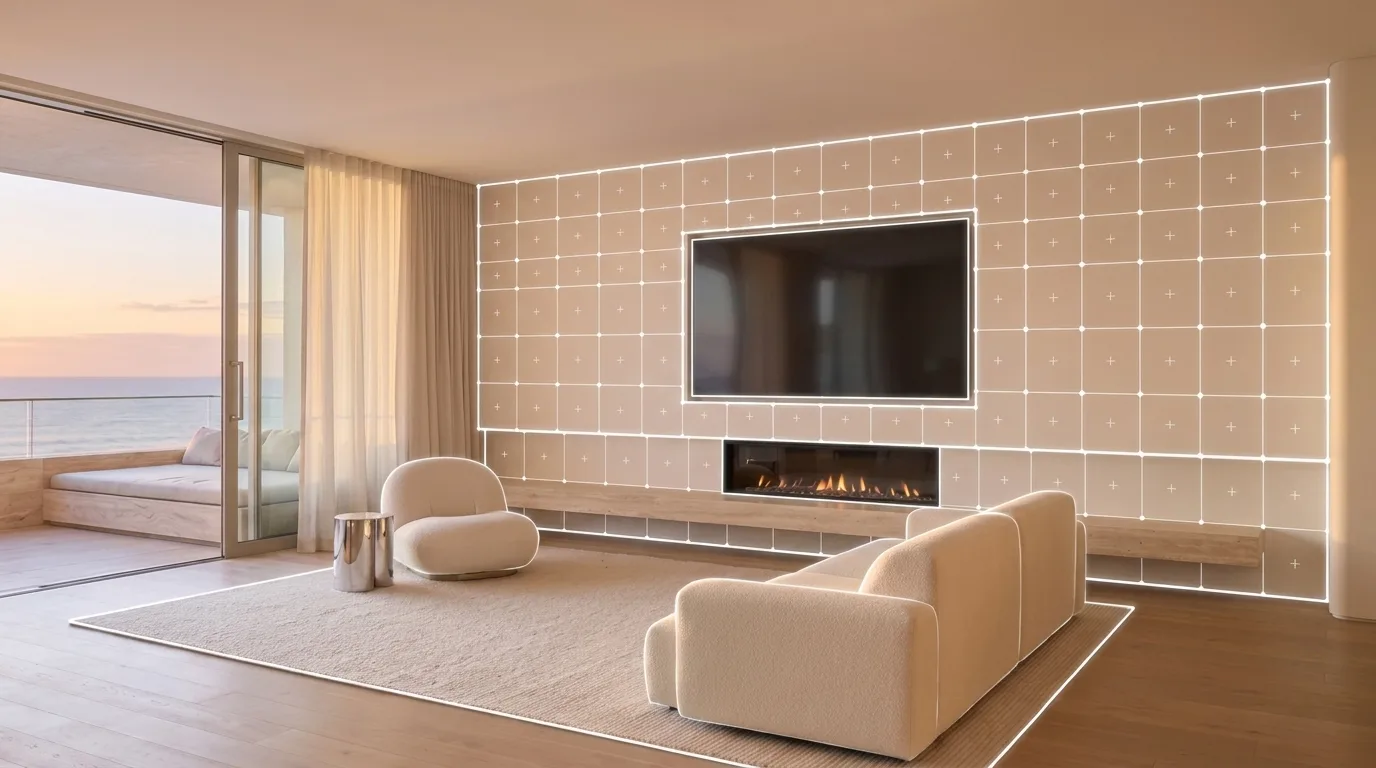
Scan it at the store.
See any paint tin on your own walls before checkout.Point Visera at a paint tin or a fabric swatch in the aisle, load a room you saved, and see it on your own walls before you reach the checkout.
Preview paint colours on your own walls before you buy. Free wall painting has no usage limit. No account required.
iOS 26 or later. Live scanning and painting need iPhone 12 Pro or a later Pro / Pro Max with LiDAR. Other compatible iPhones can explore the demo room.
Download on the App StoreTHE PROBLEM WITH PAINT
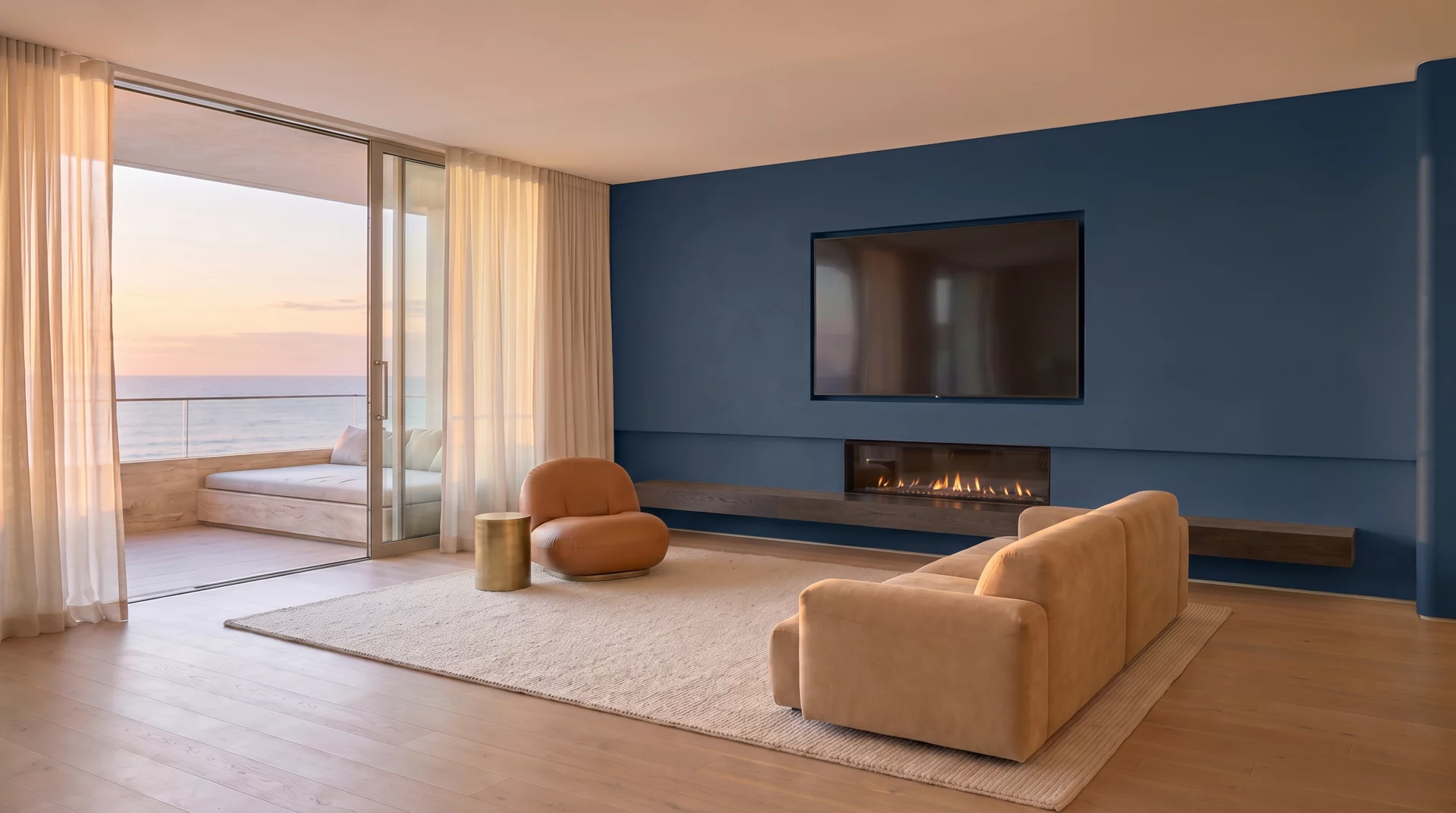
A two-inch swatch cannot tell you what a whole wall will do. Visera paints the finished wall through your live camera, before you buy a single thing.
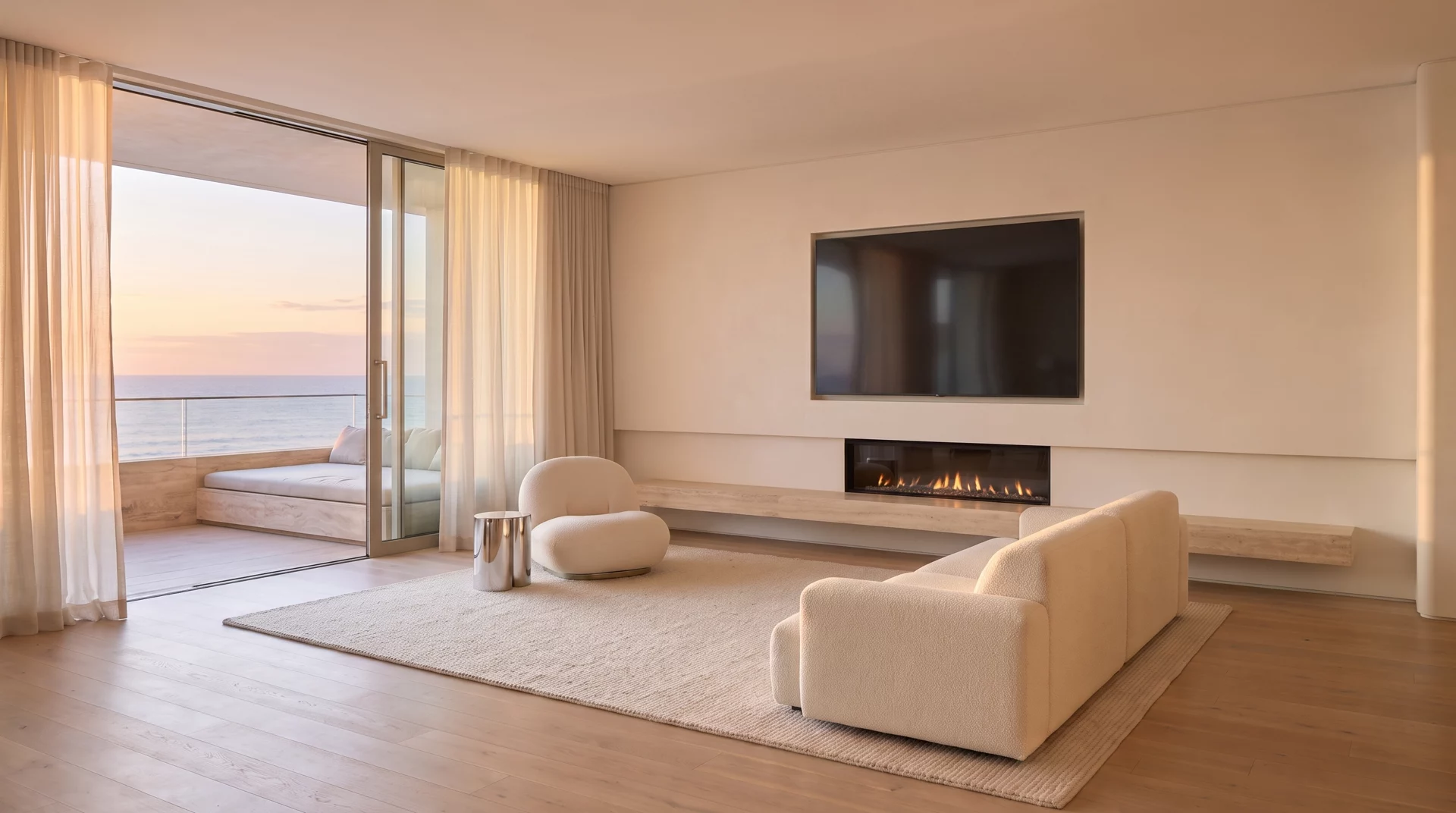
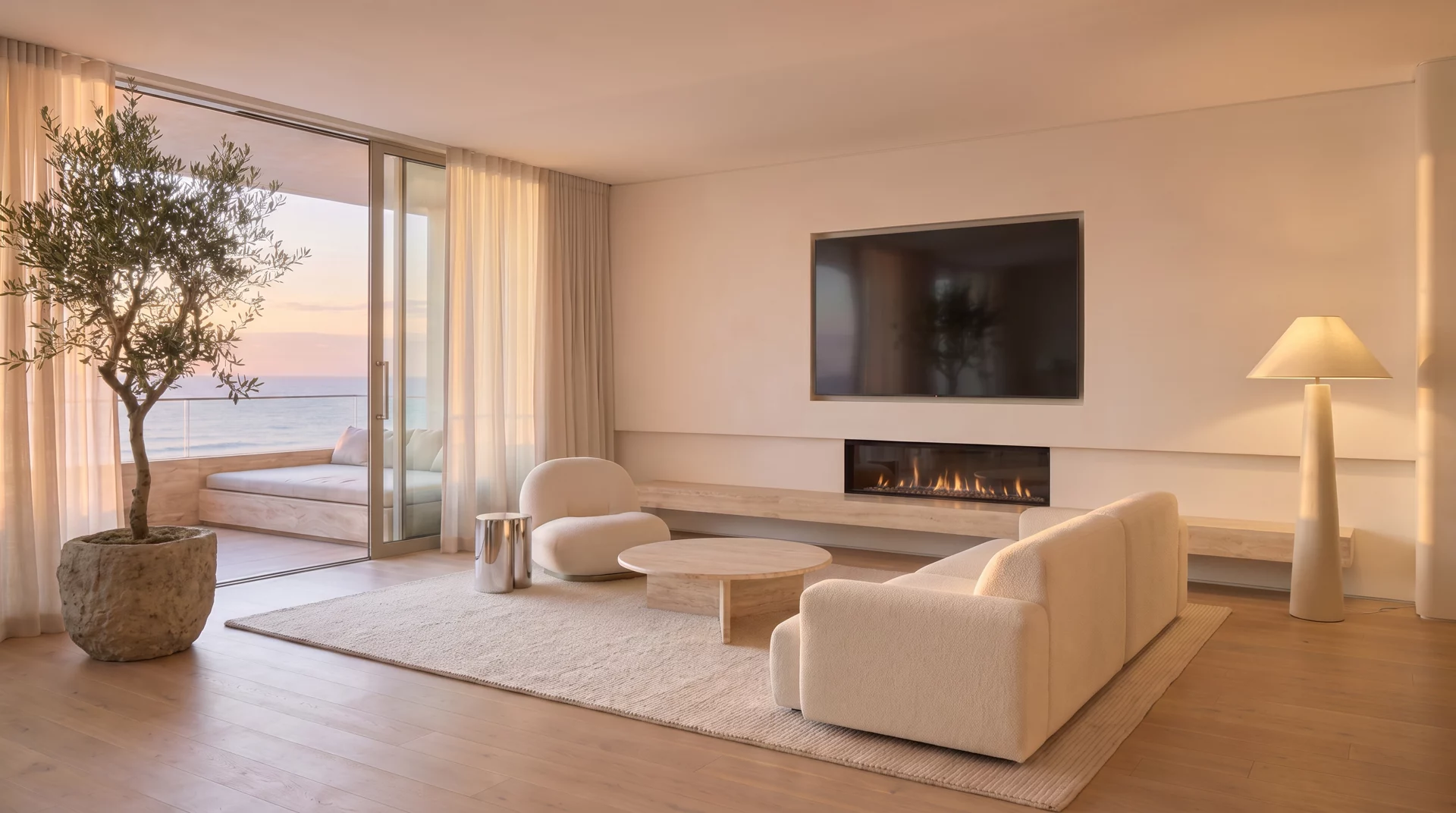
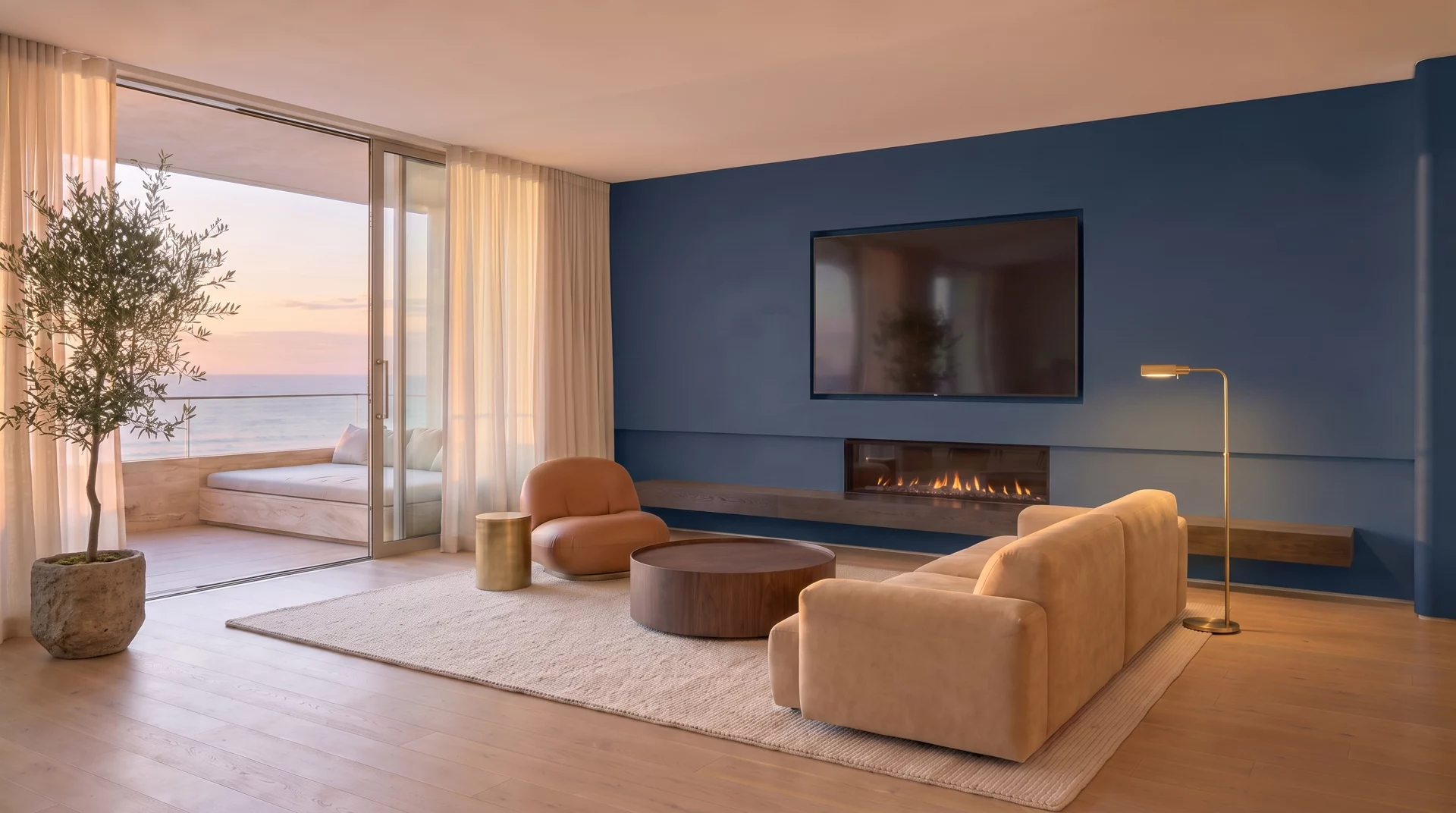
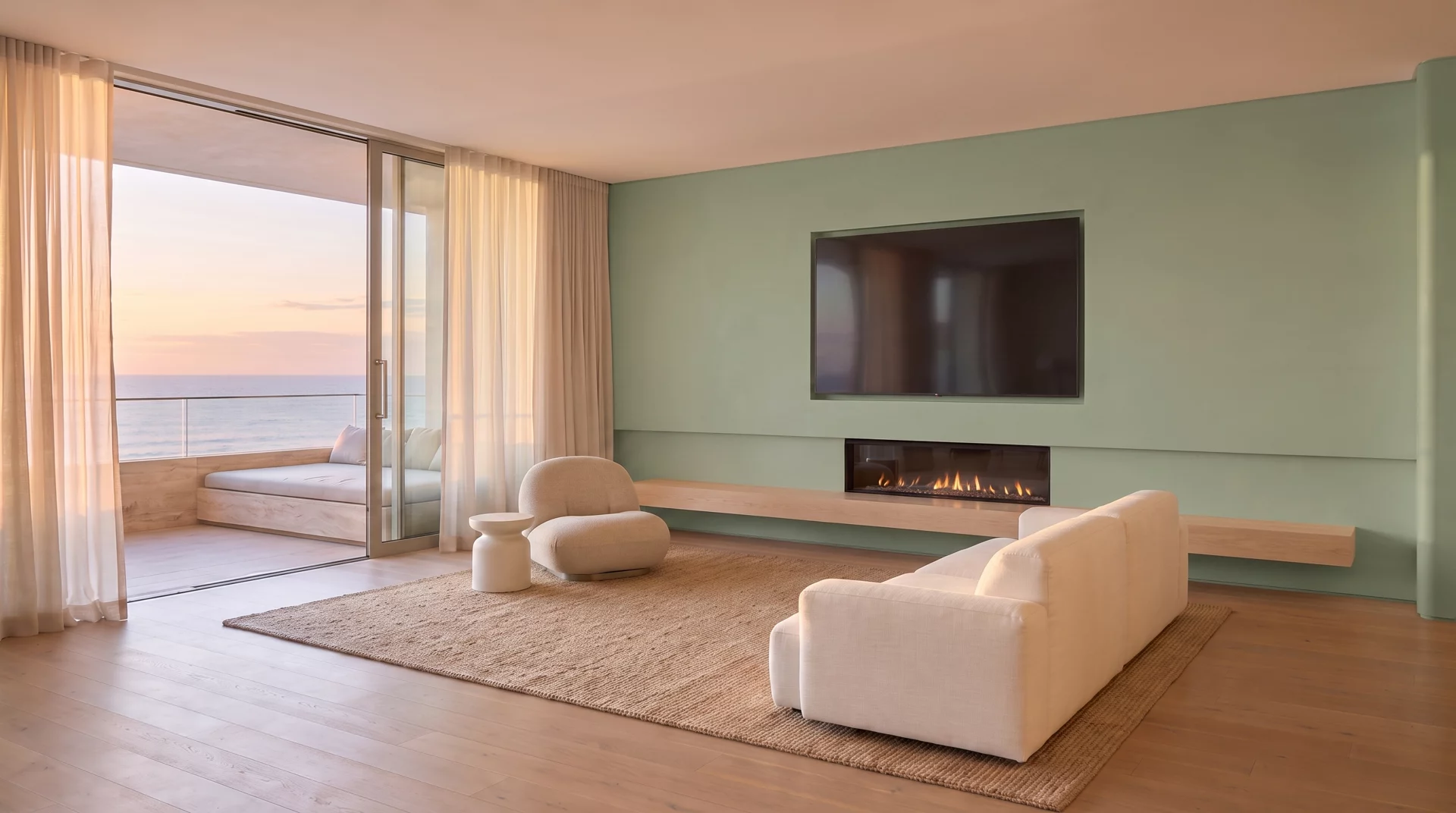
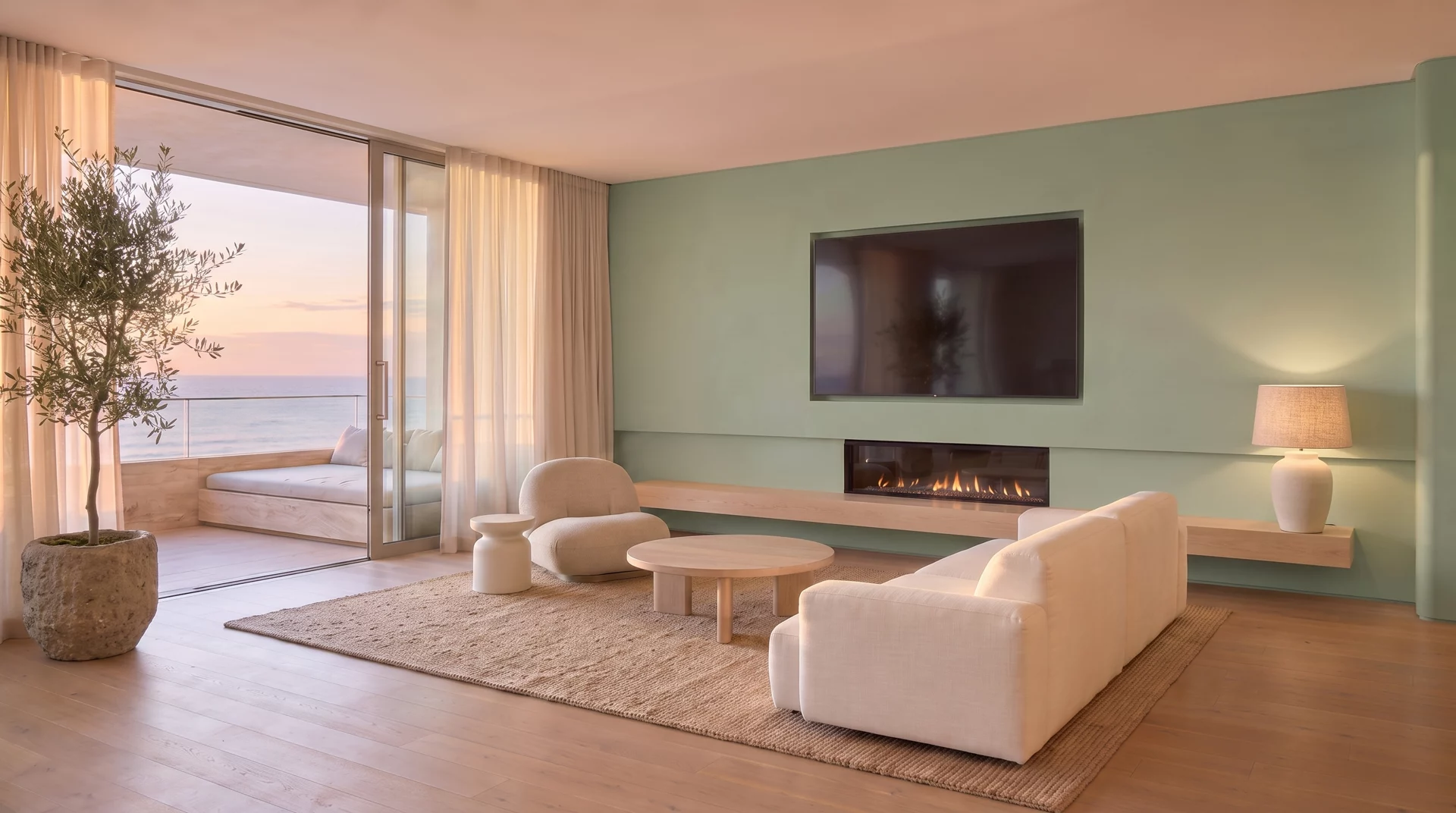
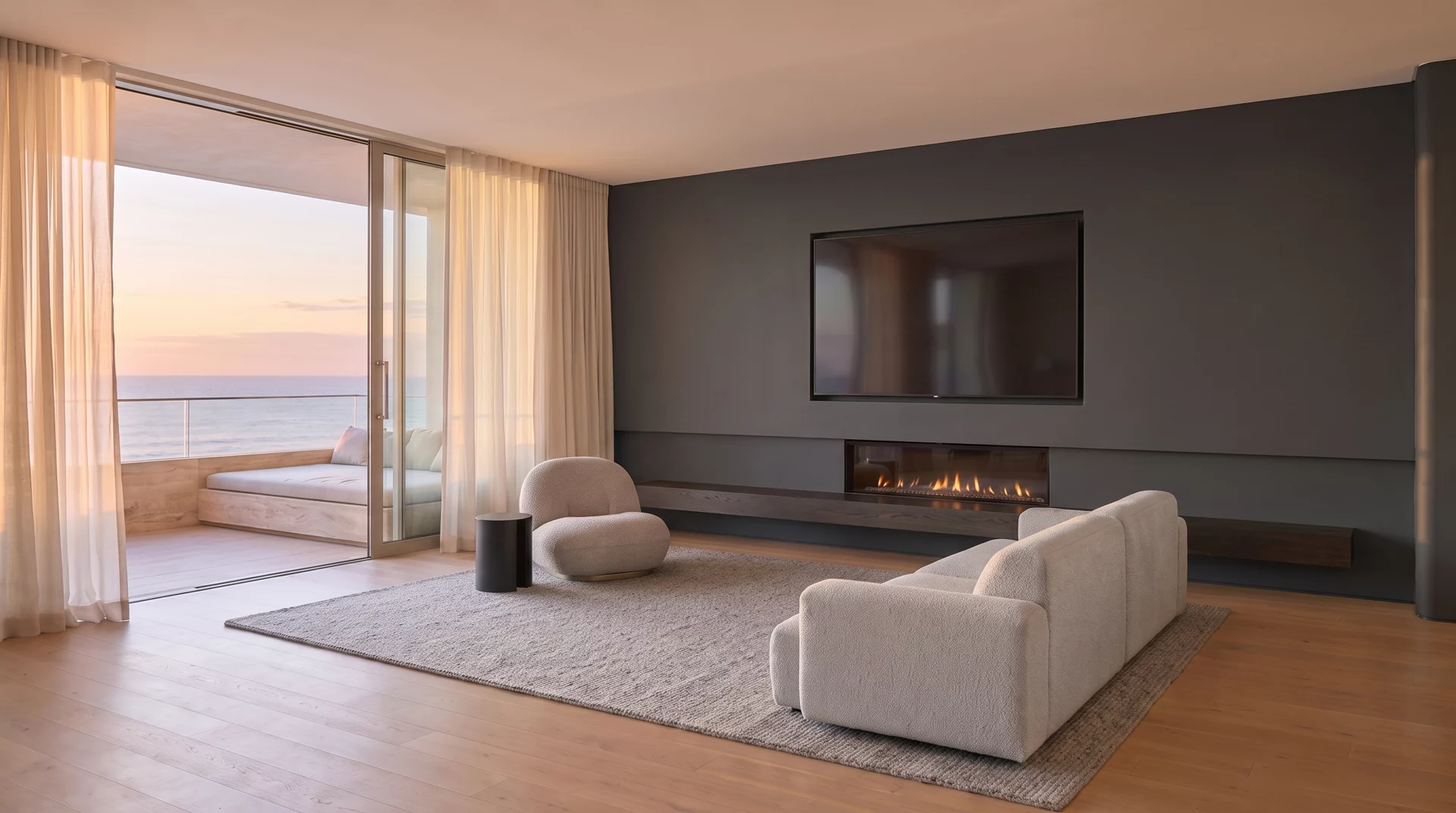
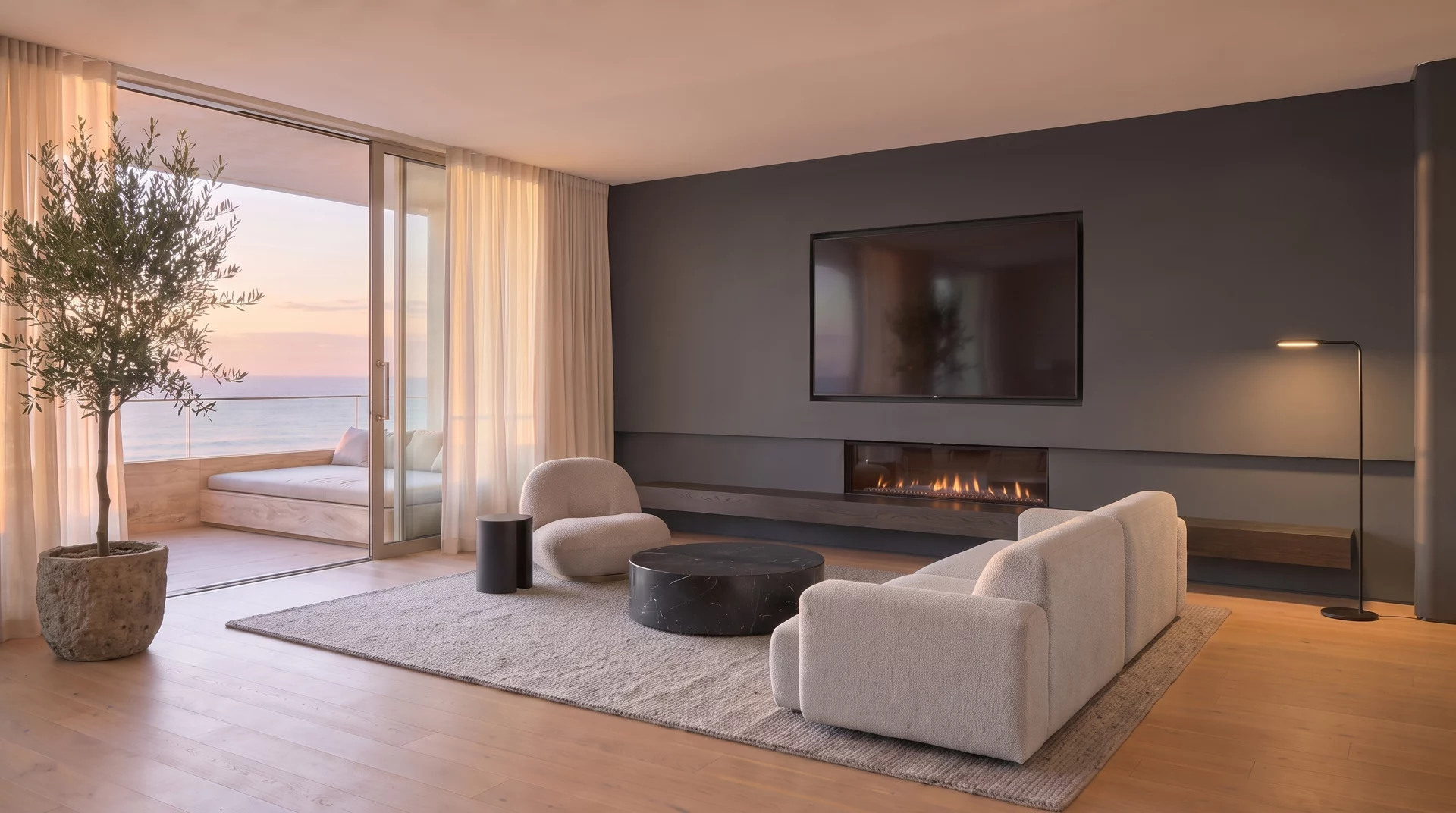
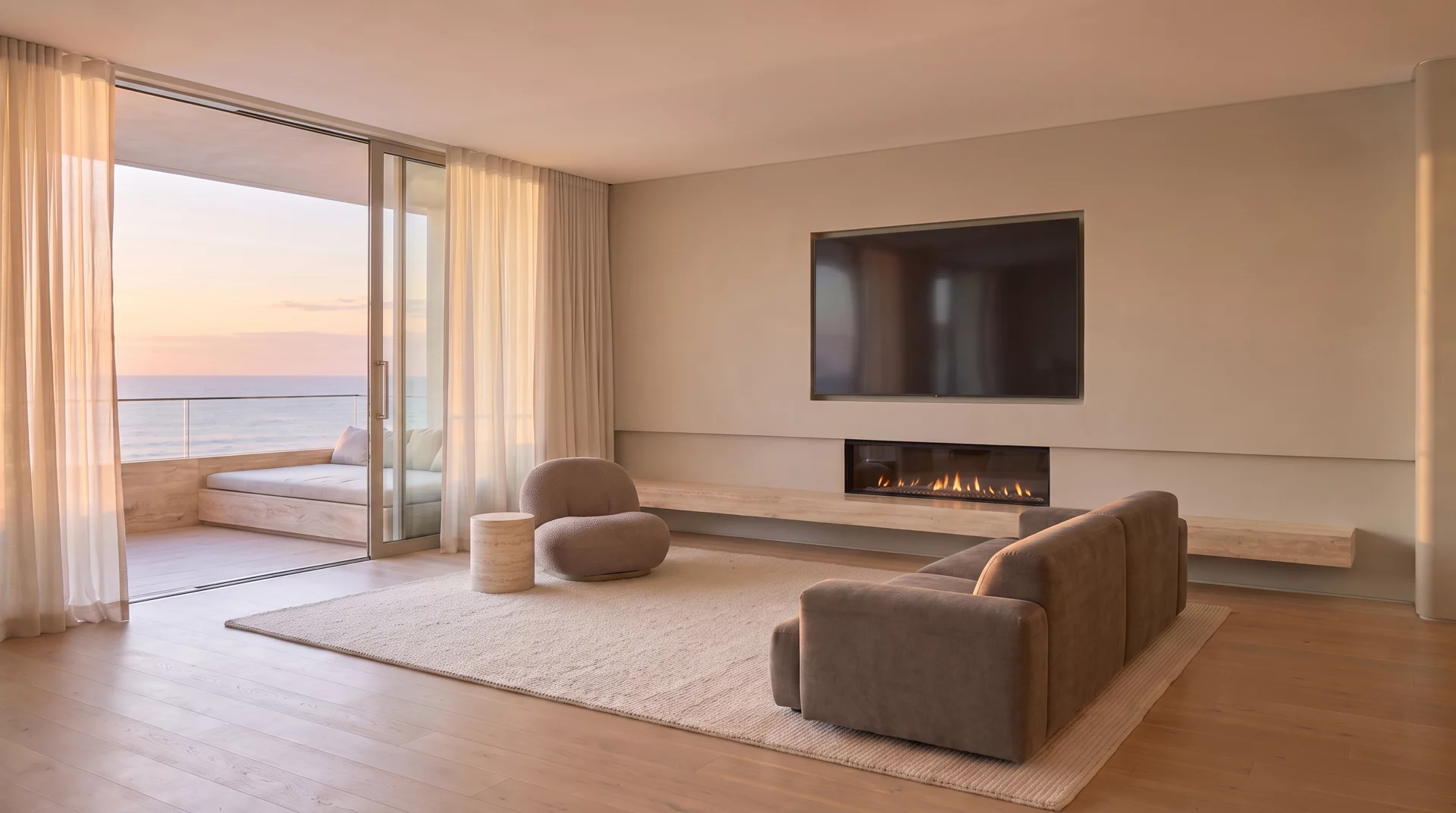
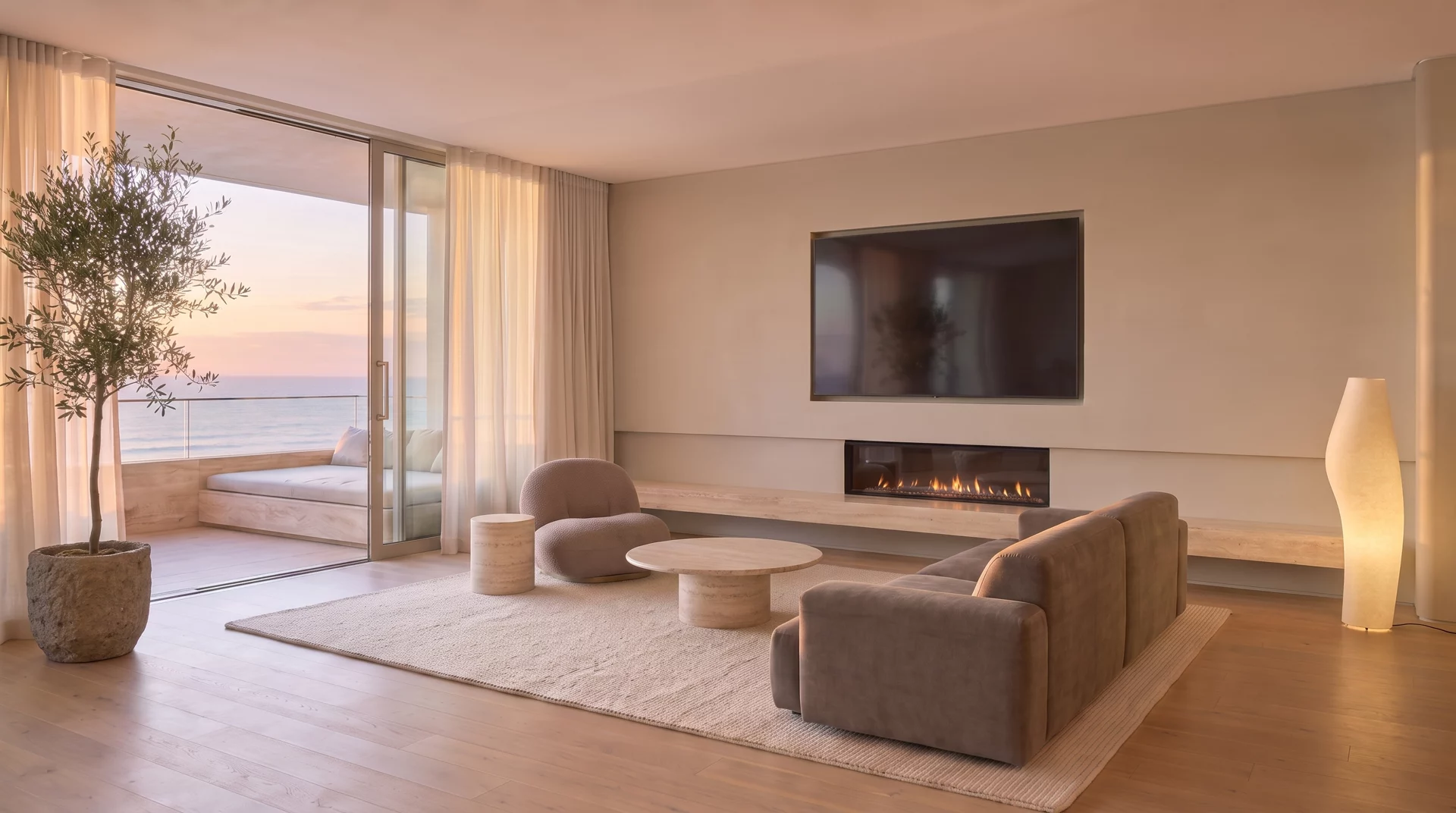
FINISH 001 · IVORY PLASTER
ONE SCAN · EVERY SURFACE
Your space, understood in seconds.
HOW IT WORKS
Point your iPhone at the wall.Point your iPhone at the wall. Visera's technology reads the room's true geometry, windows and doors included.
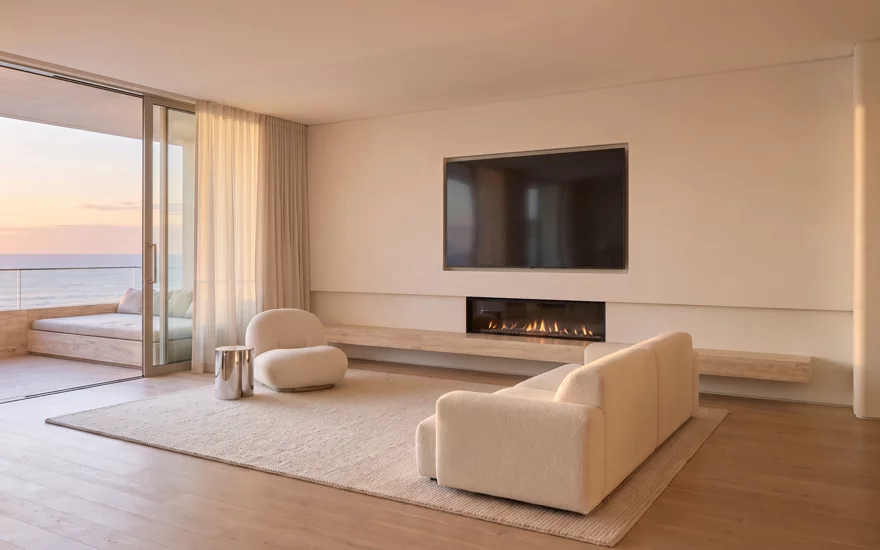
Tap a mapped wall to preview a colour.Pick a colour or finish from the library, then tap a mapped wall to preview it.
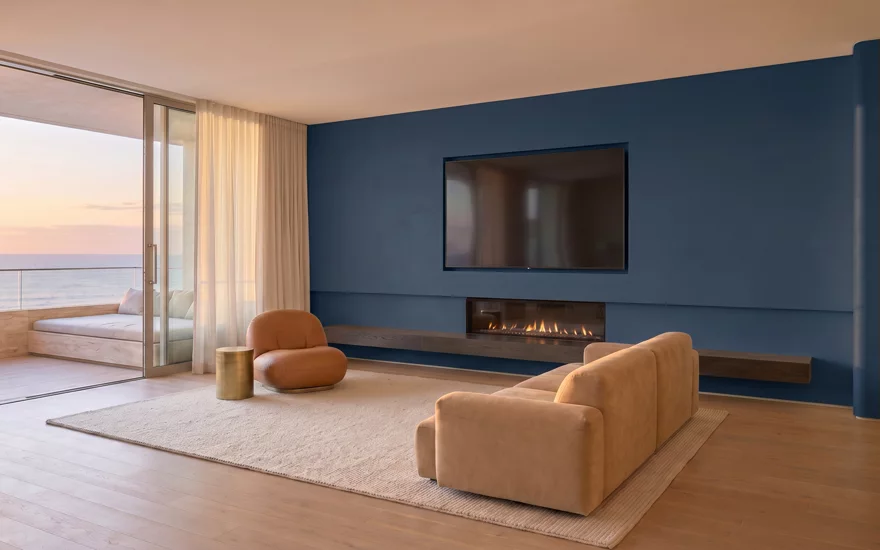
The finish stays locked while you move.The finish stays locked to the wall while you move, lit by the light your room actually has.
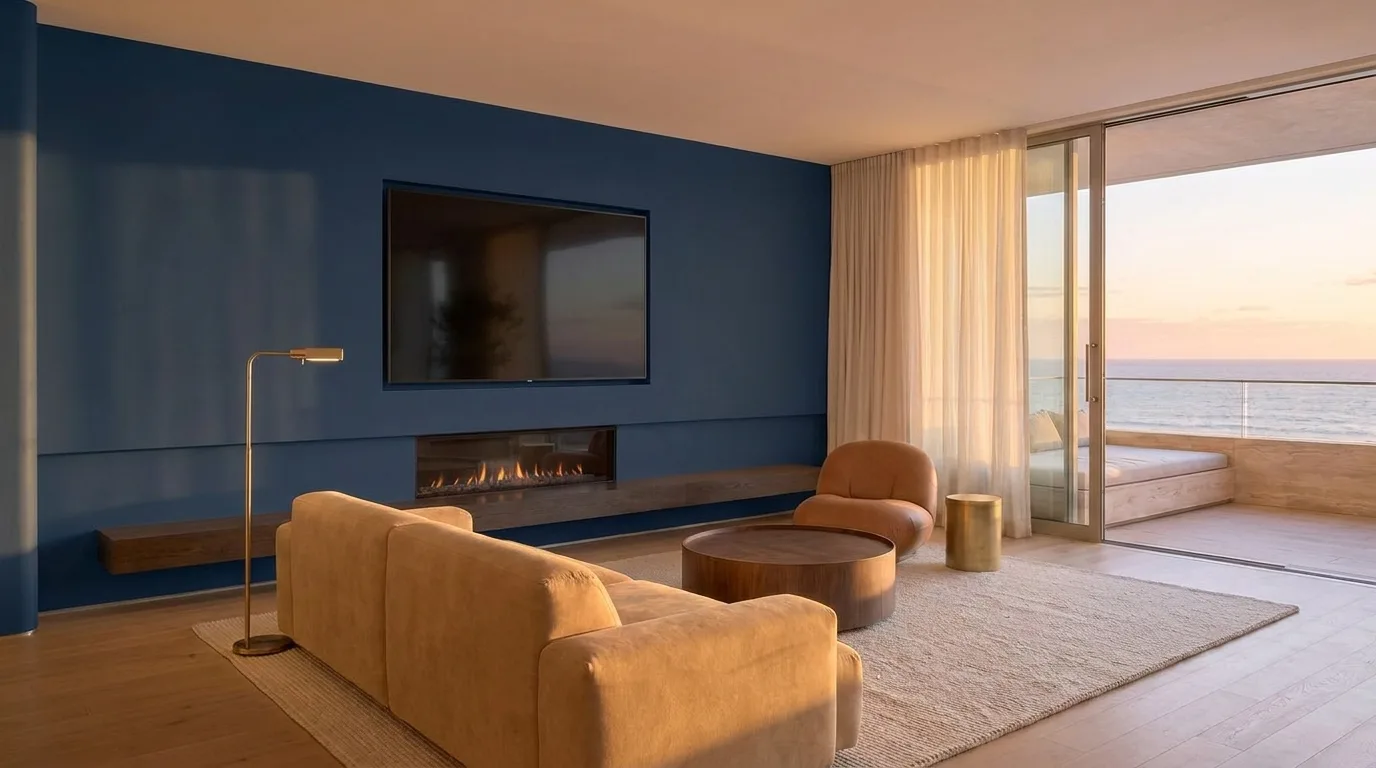
WHAT VISERA SEES
It maps your room in true 3D. Then it paints.Use ARKit and LiDAR to map the walls and openings your iPhone can detect, then preview paint in your room. Scan quality and lighting affect the result.
NEXT
See any paint tin on your own walls before checkout.Point Visera at a paint tin or a fabric swatch in the aisle, load a room you saved, and see it on your own walls before you reach the checkout.
PRECISION
Visera maps your room and identifies openings to help you plan. Measurements and colour previews are estimates: check real dimensions and a physical paint sample before buying.
Tap a mapped wall to preview a colour.Choose a colour, then tap a mapped wall to preview it. Check the detected edges and use the cut tool where needed.
Keep your preview attached to the mapped wall.Visera anchors your preview to the mapped wall. Tracking can shift; re-scan if it loses alignment.
Room processing stays on your iPhone.Rooms, scans and designs stay on your iPhone unless you choose to export or share them.
Start with unlimited free wall painting, without an account. Live AR requires iPhone 12 Pro or a later Pro / Pro Max with LiDAR and iOS 26 or later. Other compatible iPhones can explore the demo room.